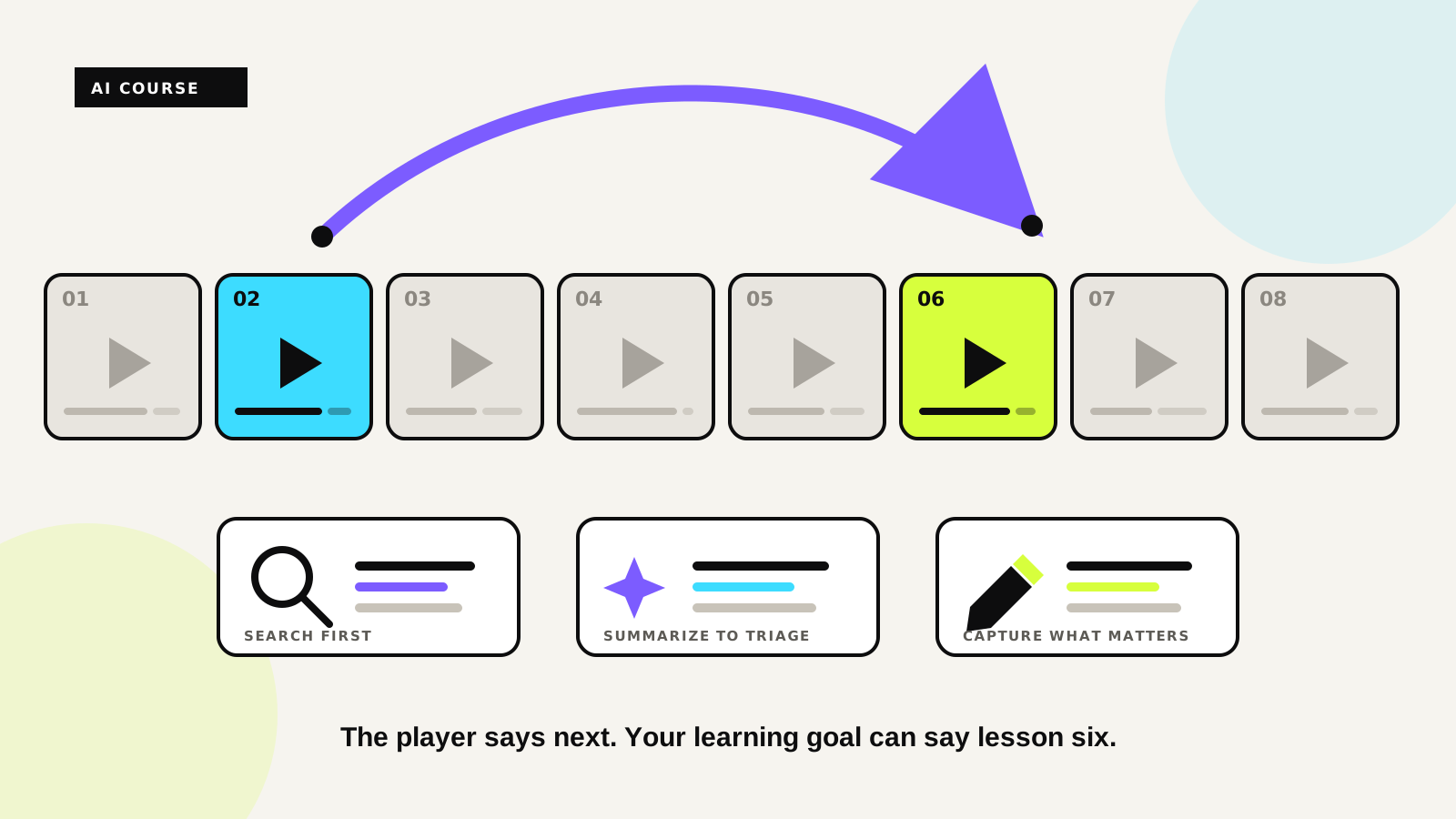
Instant AI Summaries for Every Lecture
Udemie now writes a concise recap of each lecture for you, automatically, moments after you open it. Here's how it works and how to make the most of it.

By Emmanuel Zenderock
Creator of Udemie
- Published
- Reading time
- 1 min read
Rewatching a 40‑minute lecture just to remember the three things that mattered is a waste of your best study hours. Udemie now does that pass for you: open a lecture and, a few seconds later, a short AI summary appears on its own. No button to hunt for, no copy‑pasting transcripts into another tool.
How it works
Udemie reads the lecture's subtitles, sends the transcript to our servers, and streams back a tight, bulleted recap of the key concepts and takeaways. It shows up automatically in the player:
- Automatic – The summary starts generating shortly after the player opens, so it's ready by the time you've settled in.
- Right where you're learning – It lives next to the video and your notes, not in a separate app.
- Cached – Once a lecture is summarized, reopening it shows the recap instantly instead of regenerating it.
If you'd rather trigger it yourself, you can turn the automatic behavior off in Settings and use the Summarize button on demand.
What you need
The summary is built from the lecture's subtitles, so it works on any course you've downloaded with subtitles enabled. Lectures without a subtitle track can't be summarized. If you don't see the option, re‑download the course with subtitles on.
Study smarter with it
A few ways learners are already using summaries:
- Preview before you watch – Skim the recap to decide if a lecture is worth your full attention right now.
- Review after you watch – Turn the bullets into flashcards or notes while the material is fresh.
- Find things fast – Jump back to the exact lecture that covered a concept, using its summary instead of scrubbing the video.
Free and PRO
AI summaries are available to everyone, with a generous daily limit on the free tier; PRO removes the cap along with the rest of Udemie's PRO benefits.
Ready to try it? Open any downloaded lecture with subtitles and watch the recap write itself. New to Udemie? Start here and see it in action.
- AI summaries
- study tips
- productivity
- Udemy

About the author
Emmanuel Zenderock
Builds Udemie, the desktop app that keeps Udemy, Coursera and LinkedIn Learning courses available offline, and writes about how it works.
Also available as Markdown