How to Learn Offline with Udemy, Coursera and LinkedIn Learning
Turn your favorite course platforms into one local library. Download videos and resources to keep learning without an internet connection.

By Emmanuel Zenderock
Creator of Udemie
- Published
- Reading time
- 2 min read
Learning doesn’t stop when your connection does. With Udemie, you can download courses from Udemy, Coursera, and LinkedIn Learning into a single local library and watch them anytime: on a plane, in a café with spotty Wi‑Fi, or at home during an outage.
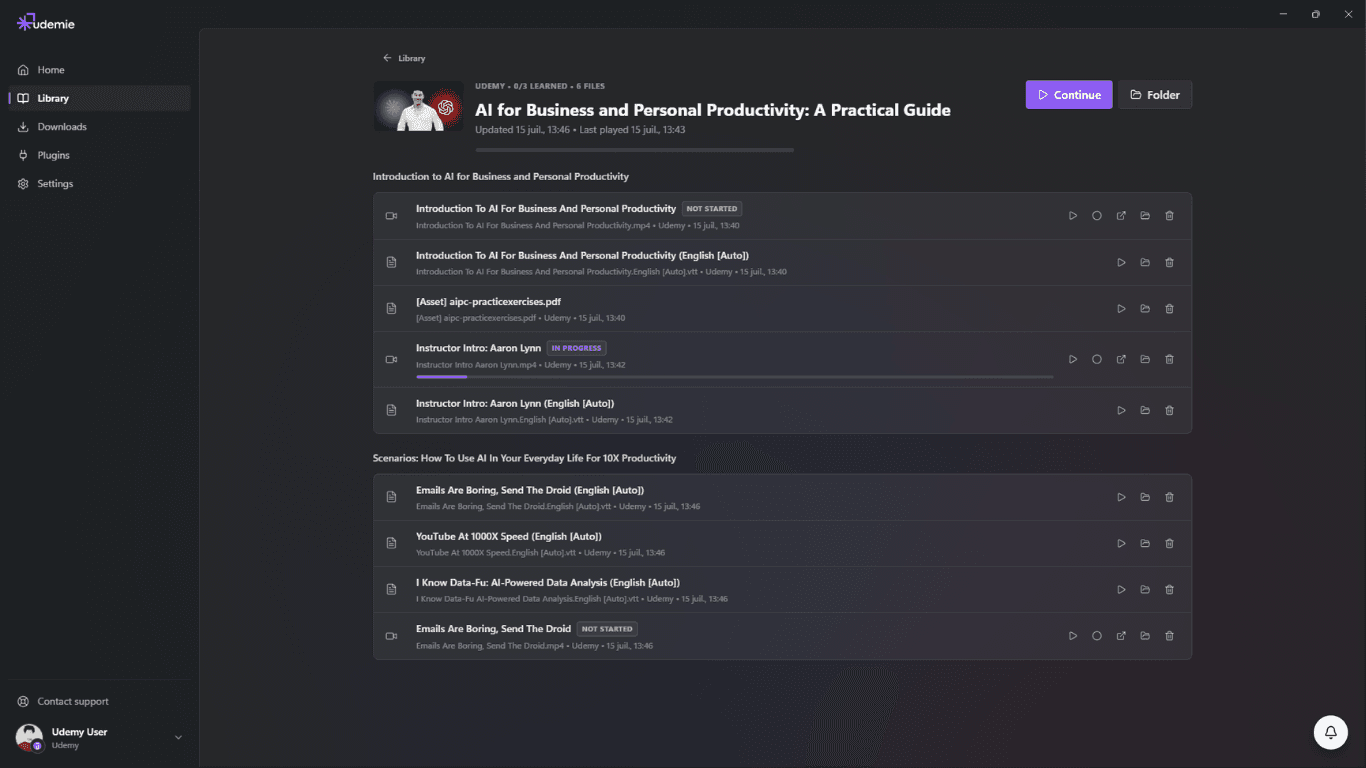
The short answer: install Udemie, connect your course account, and pick what to save. Your lessons (videos, subtitles and resources) land in a local library that plays back offline with progress tracking, notes and AI‑powered search. It’s free to start, and no account is required just to download. Try Udemie to see it in action.
Why offline matters
Many learners hit the same wall: a great course, then a trip or a bad connection, and progress stalls. Offline access means:
- No dependency on Wi‑Fi – Watch from your laptop wherever you are.
- One place for everything – All your courses in one app, not scattered across three sites.
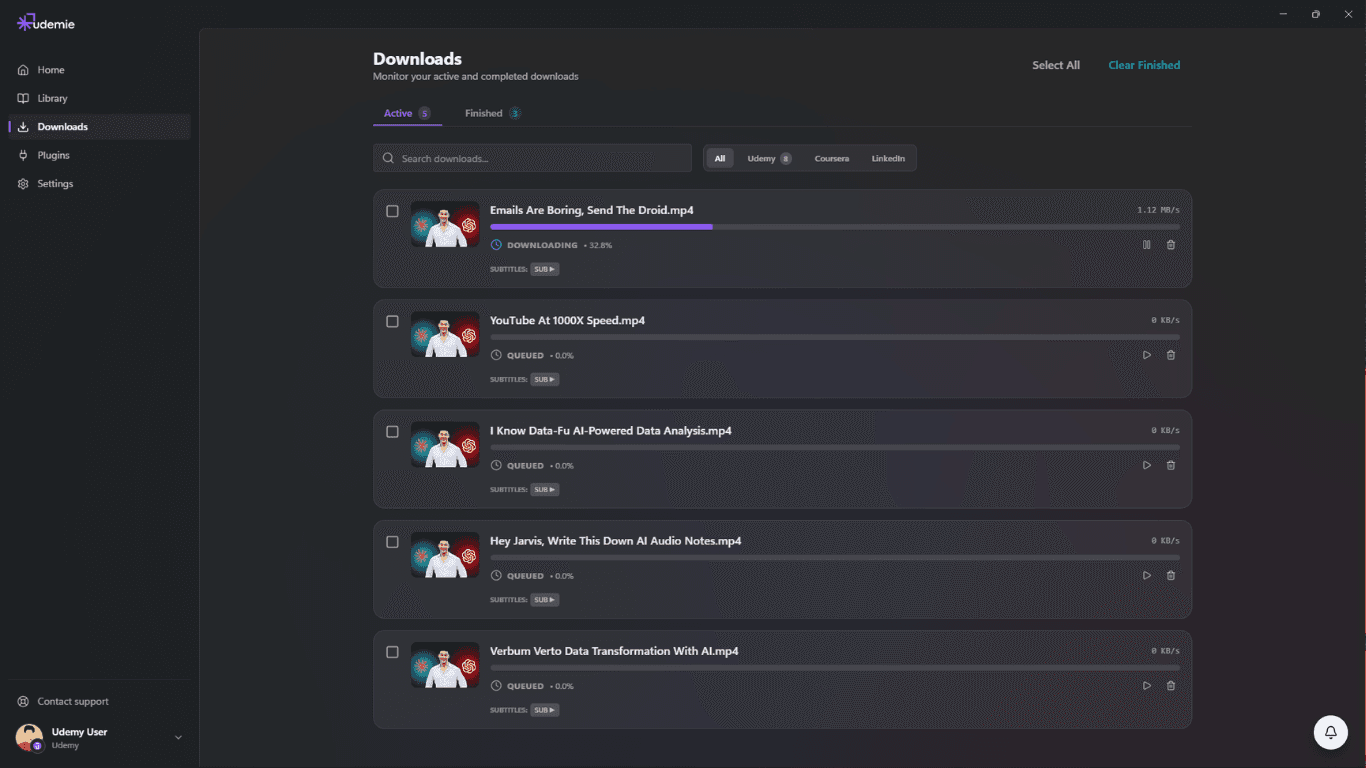
- Videos and subtitles – Downloads include video files and subtitle tracks so you can study without the browser.
What you can download
Udemie lets you pull down:
- Video lessons – Stored locally so they play without streaming.
- Subtitles – For accessibility and language practice.
- Resources – PDFs, attachments, and other files when the platform allows.
You keep access to what you’ve already downloaded as long as your platform account is in good standing. It’s your backup copy for learning on your terms.
Getting started
- Install Udemie and connect your Udemy, Coursera, or LinkedIn Learning account.
- Open a course and choose the lessons or sections you want.
- Start the download; once it’s done, open the same course from your local library to watch offline.
For more details, check the downloads and supported platforms pages, see pricing, or try Udemie for free to see it in action.
Frequently asked questions
Is Udemie free?
Yes. It’s free to start, and you don’t need an account just to download courses. A Pro plan unlocks unlimited download speed; you can see the options on the pricing page or start a free trial.
Which platforms are supported?
Udemy, Coursera, and LinkedIn Learning today. See the platforms page for the current list and details.
What gets downloaded?
Video lessons, subtitle tracks, and available resources (PDFs and attachments), stored locally so they play back without streaming.
- offline learning
- Udemy
- Coursera
- LinkedIn Learning

About the author
Emmanuel Zenderock
Builds Udemie, the desktop app that keeps Udemy, Coursera and LinkedIn Learning courses available offline, and writes about how it works.
Also available as Markdown