Stop Watching AI Courses From Start to Finish
AI courses age quickly, and you rarely need every minute. A better study workflow starts with the question you are trying to answer, then uses the course as a map instead of a queue.

By Emmanuel Zenderock
Creator of Udemie
- Published
- Reading time
- 6 min read
The short version
- The Next button is a playback rule, not a learning strategy.
- Fast-moving AI courses are especially good candidates for selective study because libraries, APIs and tooling can change while the underlying concepts remain useful.
- Search, summaries and course chat work best as navigation tools: they help you decide what deserves your full attention.
- Linear study still wins when the material is foundational, cumulative or tied to an exam syllabus.
Streaming trained us to start at episode one.
Online courses inherited the same interface. Open a course, press play, finish lesson one, click Next, repeat. It feels natural because the player makes the sequence look like the curriculum itself.
That works well when you are new to a subject and every lesson depends on the one before it. It works less well when you open a 28-hour AI course because you need one thing: the section on retrieval, the lesson on an agent framework, the explanation of a model API, or the part where the instructor finally connects the pieces you already know.
In that situation, starting at minute zero is not discipline. It can be bad navigation.
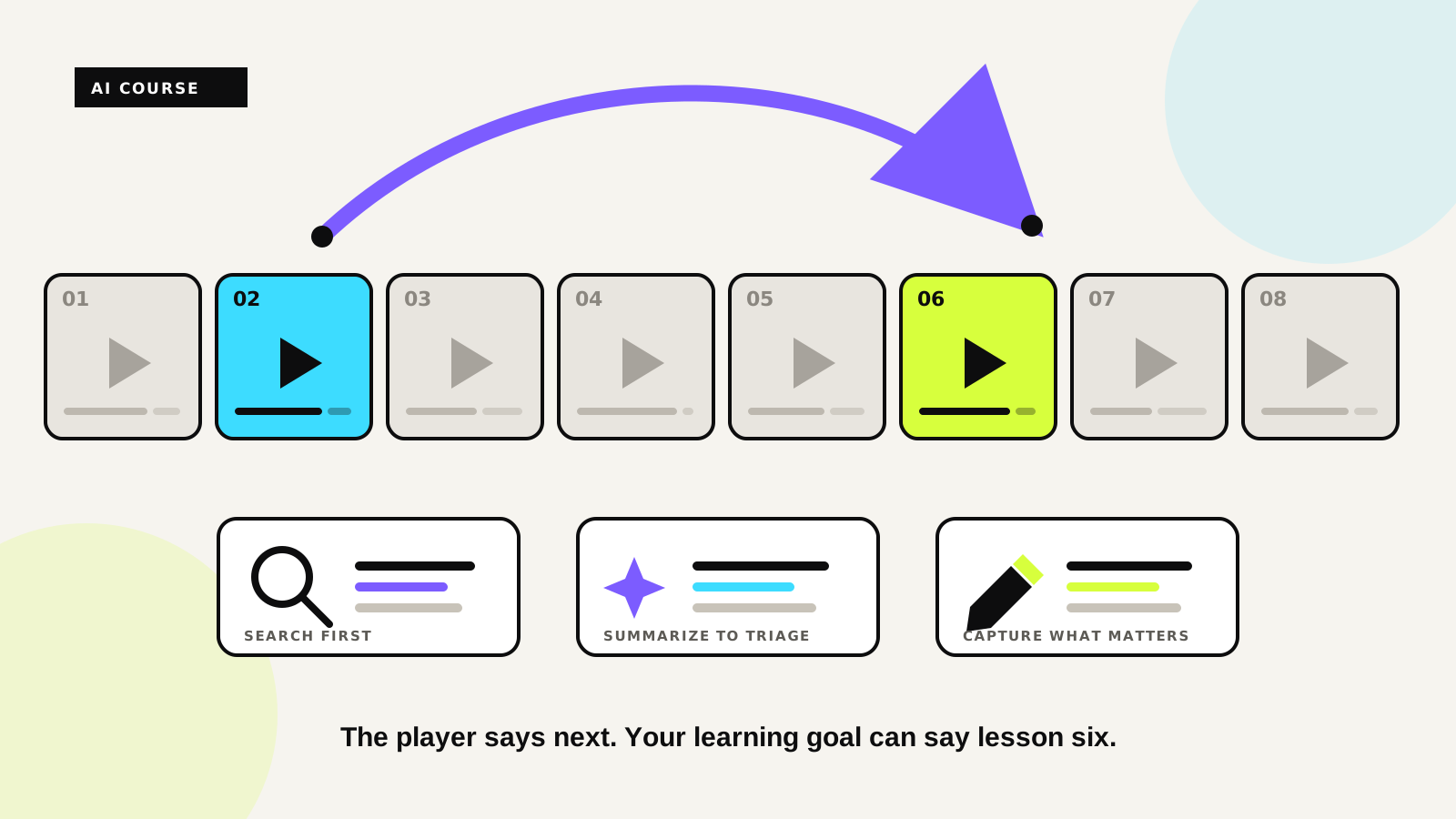
The Next button is a playback rule. It is not a learning strategy.
AI courses have a half-life problem
A course can still be excellent while parts of it age at different speeds.
The explanation of embeddings may remain useful for years. The exact SDK call used to create them can age much sooner. A screen recording can show a menu that no longer exists while the architecture it explains is still worth learning. A model name changes. An API moves. A library replaces one abstraction with another. The instructor did nothing wrong. The surface changed faster than the underlying idea.
That creates an unusual learning problem. You may buy a course because the subject is current, then discover that the first four hours cover Python you already use every day, the next two explain concepts you know, and the lesson you actually need is buried deep in section nine.
Watching every minute in order optimizes for completion percentage. It does not necessarily optimize for learning.
A course is a map, not a queue
The useful mental shift is small: stop treating the outline as a list of videos you owe the player.
Treat it as a map of explanations.
Before you press play, ask what you are trying to leave the session knowing. Maybe it is How does this agent keep state? Maybe it is Where does retrieval happen? Maybe it is What changed between the architecture I know and the one this instructor is teaching?
Once the question is clear, the course becomes easier to navigate. Titles narrow the area. A transcript narrows the moment. A summary tells you whether a lesson is worth twenty minutes. The video is still the source of the teaching, but you no longer have to approach it blind.
This is the same reason a technical book has an index. Nobody calls it cheating when you open a 600-page book at the chapter you need.
Imagine you open a 24-hour course on AI agents because you need to understand how an agent keeps state between steps. You already know Python, prompts and tool calling. Instead of spending the evening replaying those foundations, you search the course for state, memory and persistence. Two lessons look promising. Their summaries tell you that one is mostly setup and the other contains the architecture you need. You watch that 18-minute lesson closely, take a note at the important diagram, then follow its reference to the next section.
You did not skip the course. You navigated it.
Search before you watch
A transcript is one of the most underused parts of a video course.
If a lesson has subtitles, the words already form a searchable representation of what the instructor actually said. Searching for a concept can get you much closer than guessing from a title like “Advanced concepts, part 3”.
Udemie keeps the transcript next to the downloaded lecture and lets you jump back to the matching moment in the player. Its semantic search can also help find an explanation across the local library when you remember the idea but not the exact wording.
The important part is not the feature itself. It is the order of operations:
question first, location second, video third.
That is almost the reverse of the default course experience.
Use summaries as triage, not as a substitute
There is an obvious bad version of this workflow: summarize everything, never watch anything, and convince yourself you learned the course.
That is not the point.
A good summary is closer to a table of contents written after the lecture. It tells you what is inside and gives you enough context to decide what deserves attention.
If the recap contains three concepts you already understand, move on. If one bullet exposes a gap, open the lesson and watch that explanation properly. If the summary sounds deceptively simple, the full lecture may be exactly where the nuance is.
Udemie's AI lecture summaries are built for that kind of review. They are most useful when they shorten the distance between I think this lesson might matter and this is the five-minute section I actually need.
Download the part you intend to study
The same principle applies before a file ever reaches your disk.
A large course can contain setup material, optional projects and repeated fundamentals. If you already know which section matters, there is little reason to download the rest just because it appears earlier in the outline.
Udemie lets you select individual lectures, sections or ranges, so the local library can stay focused on what you are actually studying. That is especially useful on slow or metered connections.
It is the same idea behind Udemie's learning workspace: the download is not the goal. It is the point where the course becomes your working material.
Ask the course when you cannot find the right lesson
Sometimes you know the question but not the vocabulary the instructor used.
That is where course chat is useful. Instead of asking a general chatbot to explain a subject from scratch, you can ask about the material inside the course and use the answer to locate the relevant lecture and timestamp.
The difference matters.
A generic answer can teach you something. A course-grounded answer can tell you where this instructor teaches it, which lets you return to the source, hear the reasoning and see the demonstration in context.
That makes AI a navigation layer over the course, not a replacement for the instructor.
When you should still start at lesson one
Not every course should be sampled.
If you are learning programming for the first time, skipping variables because they look familiar may create a hole that appears three chapters later. Mathematics, languages, certification programs and other cumulative subjects often depend on sequence. A course designed around one project may also make little sense if you jump into the middle without the state built in earlier lessons.
Linear study is especially valuable when:
- the domain is genuinely new to you;
- later lessons depend directly on earlier exercises;
- an exam expects the whole syllabus;
- you cannot yet tell which parts are foundational.
The better rule is not “never watch from start to finish”. It is earn the right to skip. The more context you already have, the more useful non-linear navigation becomes.
A better loop for technical courses
For a fast-moving technical subject, a study session can look very different from clicking Next for two hours.
Start with the thing you are trying to understand. Search the course. Read the summaries around the likely section. Open the strongest candidate and watch it closely. Pause when something is worth keeping, make a timestamped note, then test your understanding against the next relevant lecture or the course chat.
You may still end up watching six lessons in order.
The difference is that the sequence came from the problem you were solving, not from the button at the bottom of the player.
That matters more in AI than in most subjects because the surface layer changes quickly. A course can contain both yesterday's interface and tomorrow's mental model. Your job as a learner is to separate the two.
The best course player should help you do that.
Try Udemie free if you want to turn the courses you already have access to into a searchable, local learning workspace.
- AI learning
- study workflow
- productivity
- course player
- Udemy

About the author
Emmanuel Zenderock
Builds Udemie, the desktop app that keeps Udemy, Coursera and LinkedIn Learning courses available offline, and writes about how it works.
Also available as Markdown