Build a Personal Offline Library of the Courses You're Enrolled In
Scattered across Udemy, Coursera and LinkedIn Learning? Bring the courses you already have access to into one local library you can browse and watch offline.

By Emmanuel Zenderock
Creator of Udemie
- Published
- Reading time
- 2 min read
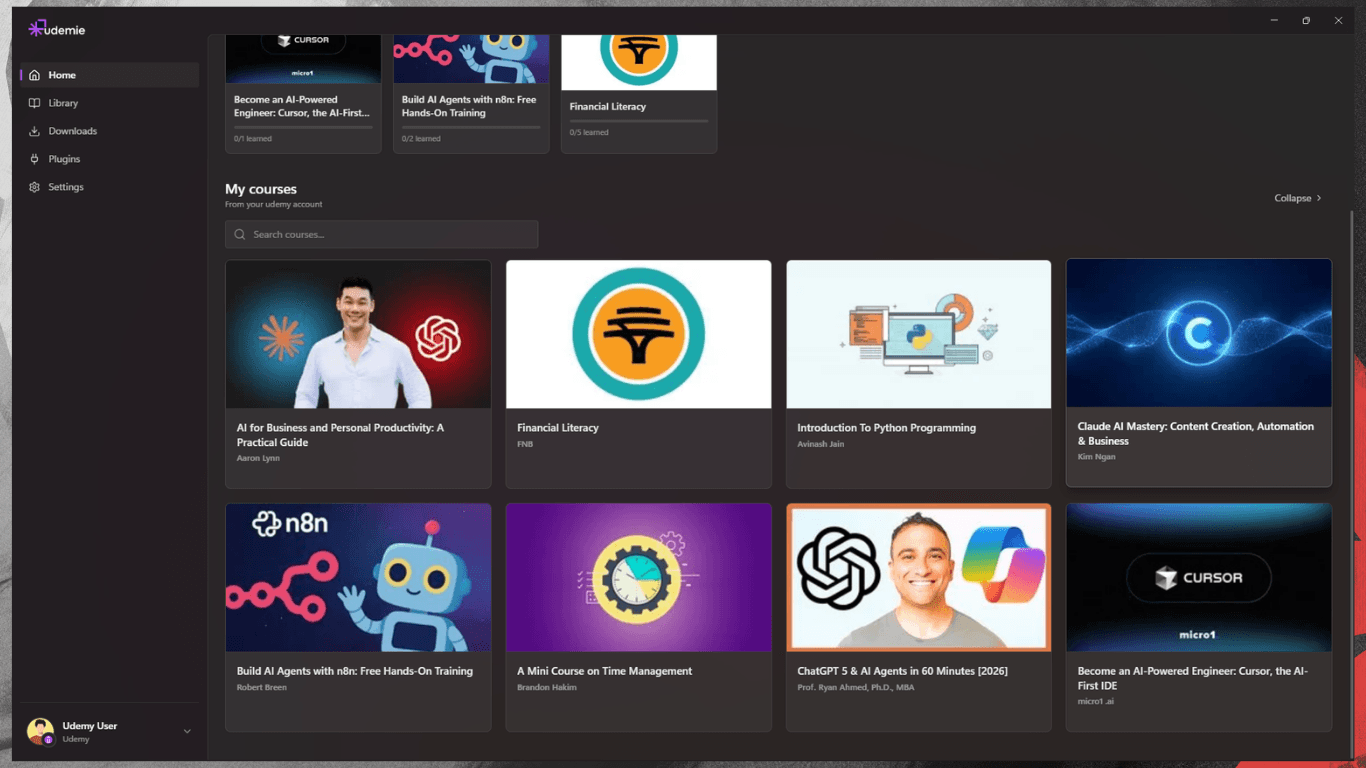
Most learners don't have a course problem. They have a scatter problem. A few Udemy courses here, a Coursera specialization there, a LinkedIn Learning path from work. Three logins, three players, three sets of progress you can never see side by side. A personal offline library fixes that: one place for everything you're enrolled in, available with or without a connection.
Want the fastest path? Try Udemie for free: no account required just to download.
Why one local library beats three tabs
- Everything in one view. Browse Udemy, Coursera, and LinkedIn Learning courses together instead of hopping between sites.
- Offline by default. Downloaded courses play in a built-in player whether or not you're online.
- Your progress, in one place. Track where you are across platforms without three separate dashboards.
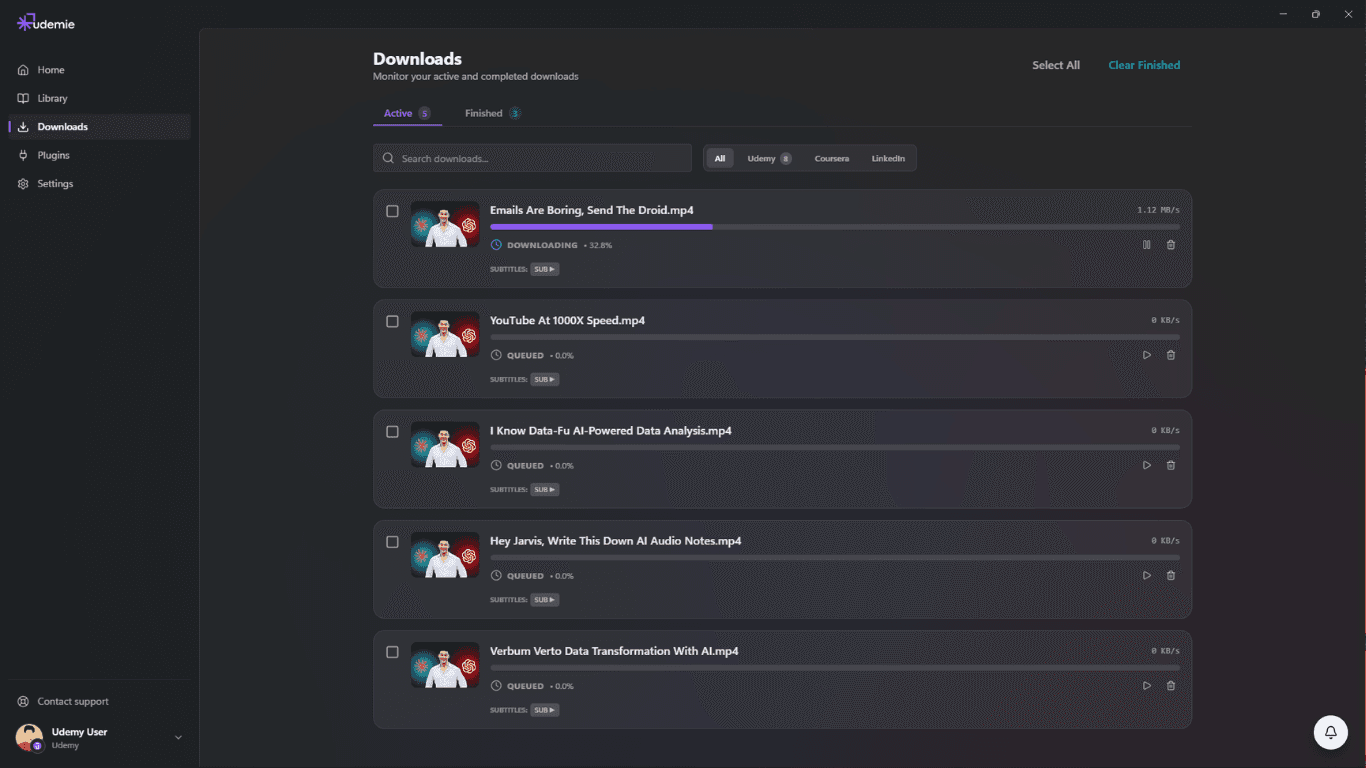
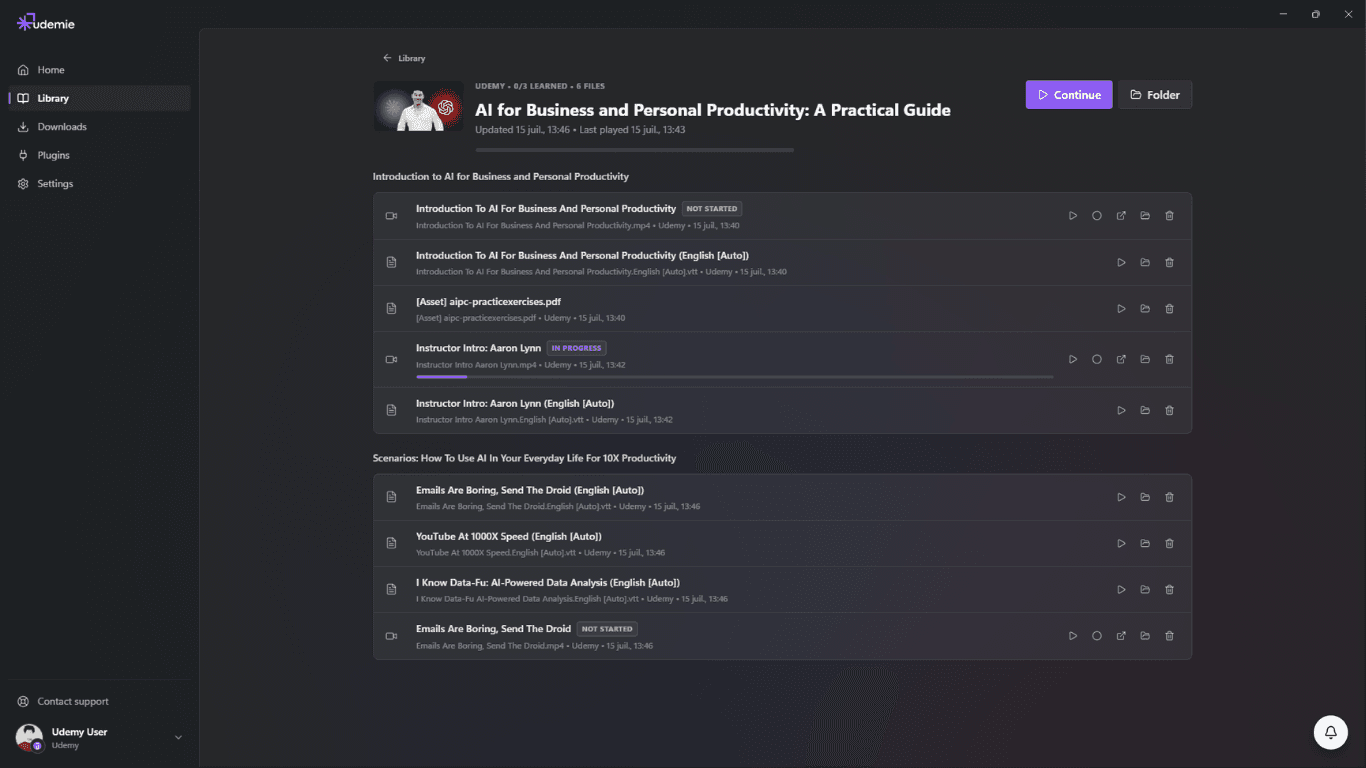
- Subtitles and resources kept. Videos come down with their subtitle tracks and available PDFs, not just the raw stream.
What "your copy" actually means
Let's be precise, because it matters. A downloaded course is a local copy for offline access while your platform account is in good standing. It's a convenience for studying without a connection, not a way around your subscription. Keep your accounts active, and your downloaded library is simply the most reliable way to sit down and learn, connection or not.
How to build it
- Install the app. The free tier is enough to start.
- Connect your accounts (Udemy, Coursera, LinkedIn Learning) so Udemie can see what you're enrolled in.
- Queue the courses you actually study, and let them download in the background. Want a whole track at once? See download a full specialization.
- Open the library and learn. Notes, progress, and AI-powered search are right there next to the video.
Keep it tidy
A library is only useful if you can find things:
- Download the courses you're actively working through, not everything you've ever bought.
- Enable subtitles at download time so search and summaries have text to work with.
- Revisit and clear out finished courses to reclaim disk space.
One library, three platforms
That's the whole idea: Udemy, Coursera, and LinkedIn Learning courses, browsable and watchable in one offline app.
Start building yours: try Udemie for free, or read how offline learning works.
- offline learning
- Udemy
- Coursera
- LinkedIn Learning
- organization

About the author
Emmanuel Zenderock
Builds Udemie, the desktop app that keeps Udemy, Coursera and LinkedIn Learning courses available offline, and writes about how it works.
Also available as Markdown